 Bee Habit

Three habit types
Simple check-offs, measurable goals like 8 glasses of water, or reps like 3 workout sets a day.
Habit tracker for iPhone
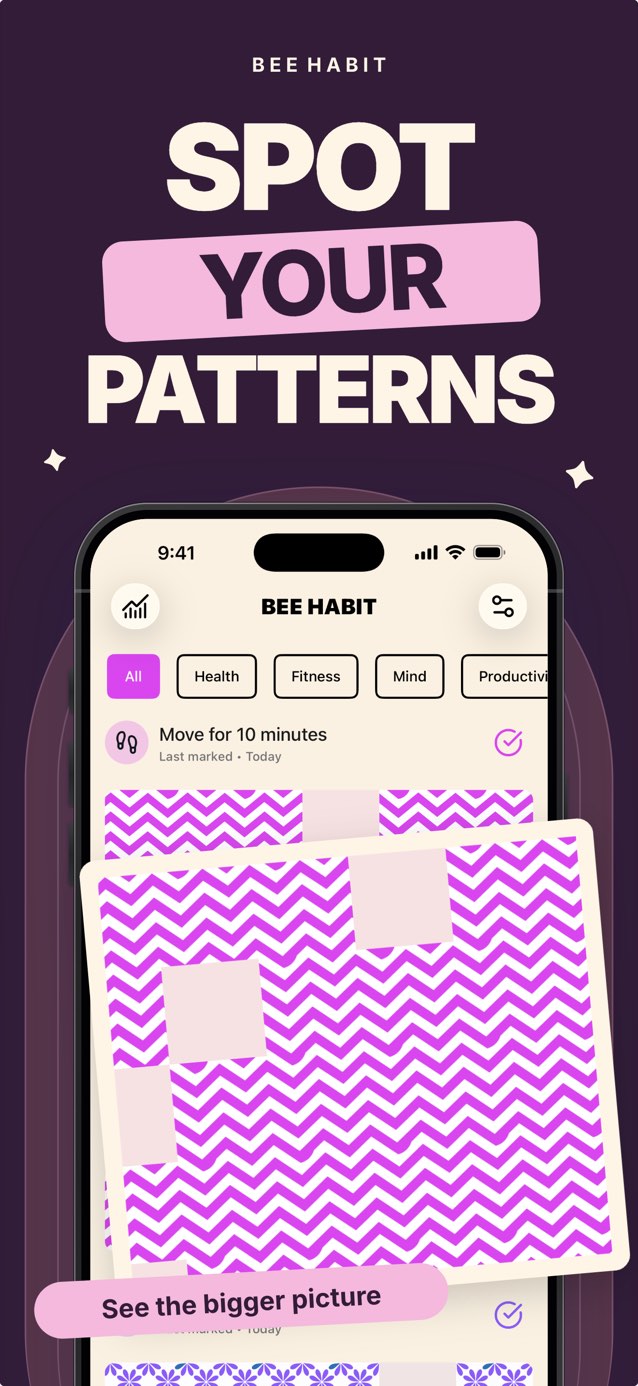
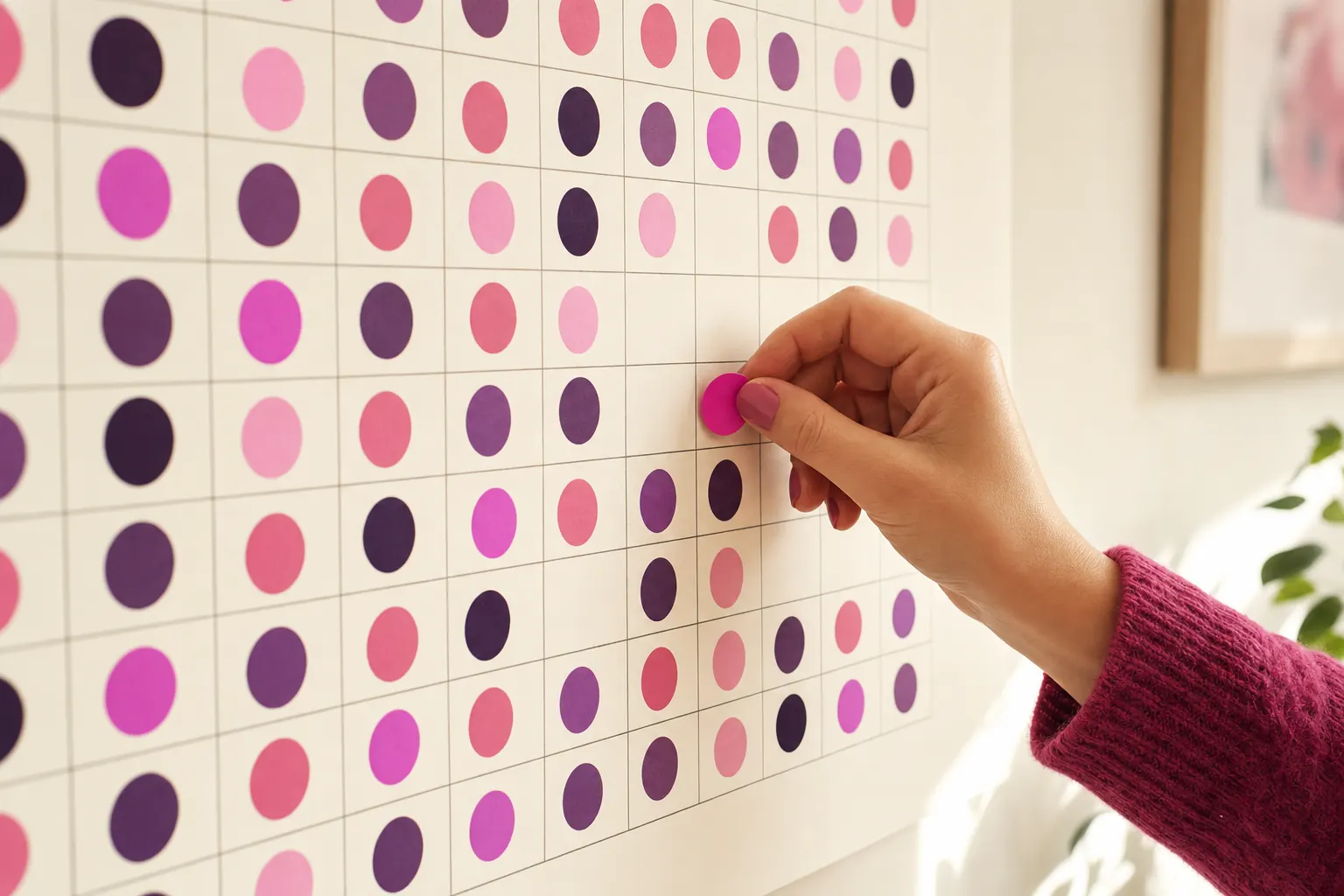
Every day you show up adds a tile. Bee Habit turns your habits into colorful patterns, so weeks of progress fit on one screen, gaps and all.
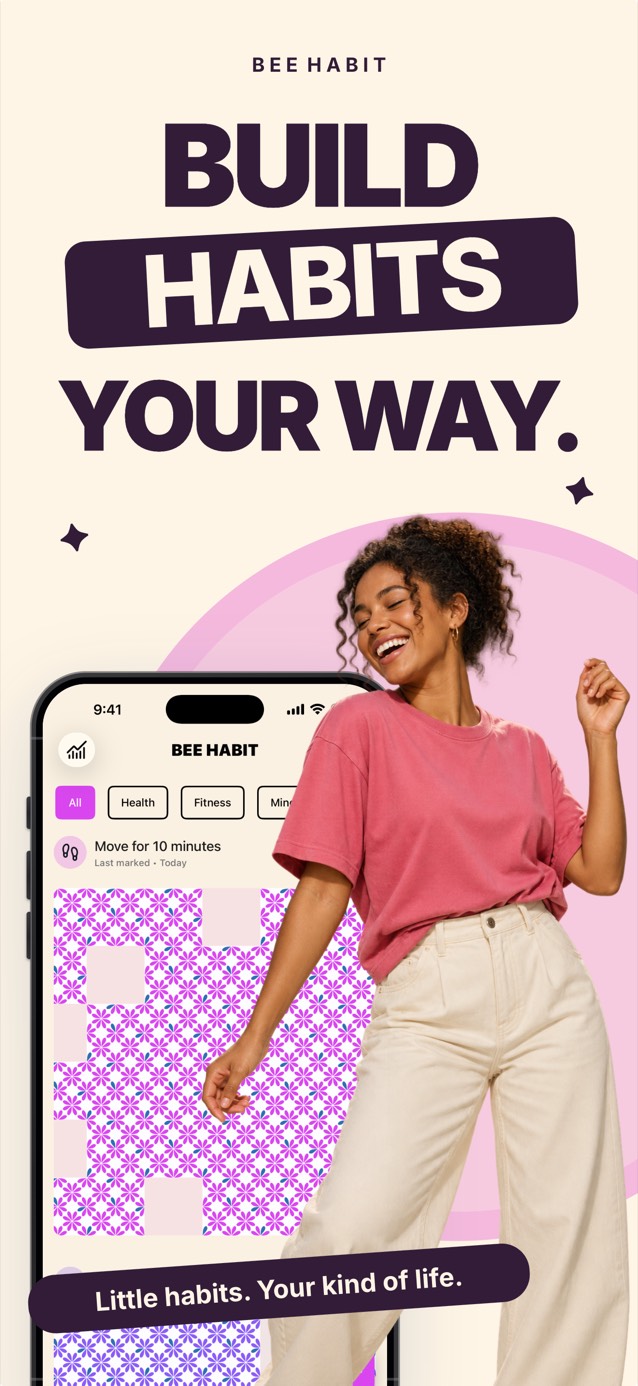
How it works
Drink water
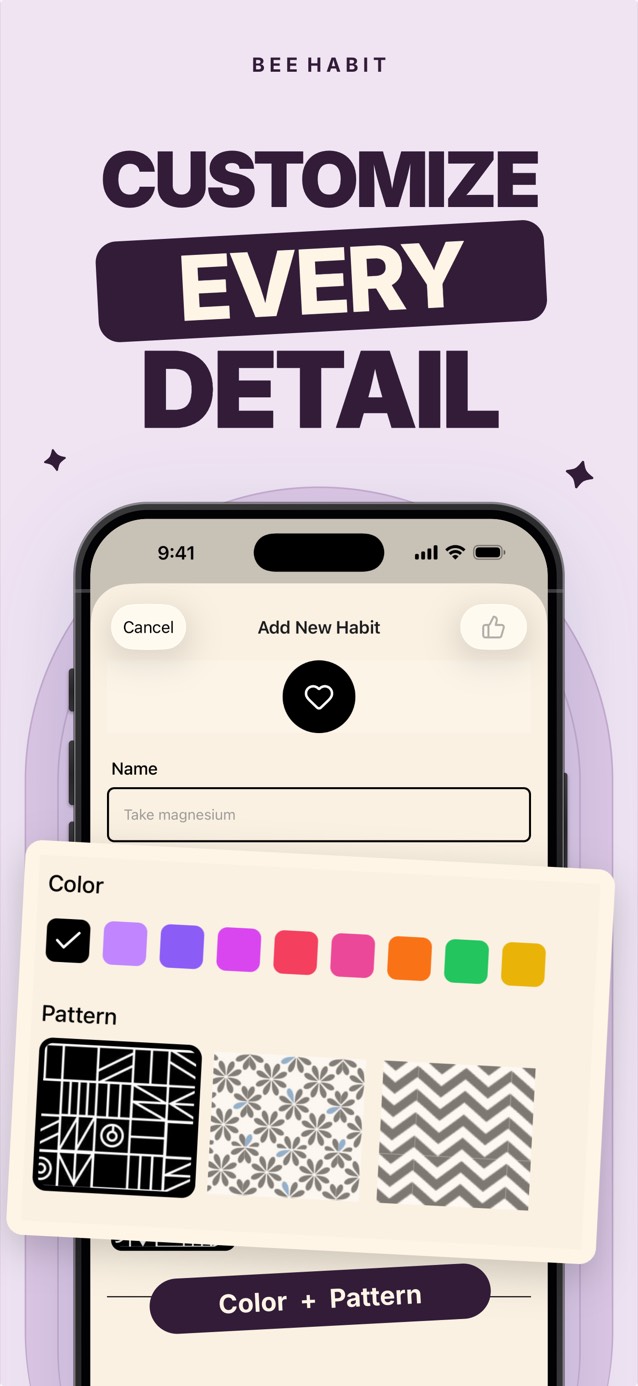
Make it yours
Give every habit its own color, pattern and icon. Your home screen ends up looking like a quilt you made one day at a time.
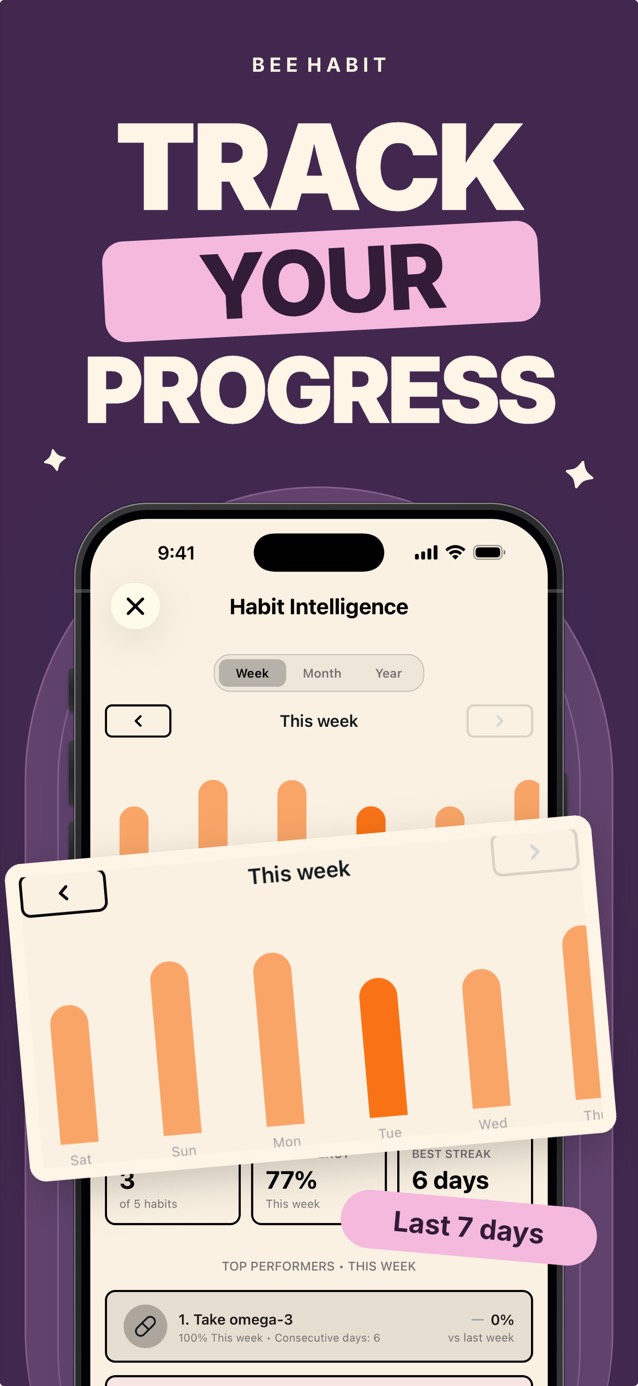
Habit Intelligence
Weekly, monthly and yearly charts show how small actions add up and which habits could use a smaller version.
Features
Simple check-offs, measurable goals like 8 glasses of water, or reps like 3 workout sets a day.
Pick the days and times that suit you, separately for every habit.
Forgot to check in yesterday? Tap the day on the calendar and fill in its tile.
Health, Fitness, Mind, Productivity, Learning, Finance and Creativity. Filter to what matters today.
Back up and restore your habits, and move to a new iPhone without losing a day.
Turn a finished month into a progress card and send it to a friend.
Guides
Practical how-tos on building habits that last, whichever tracker you use.
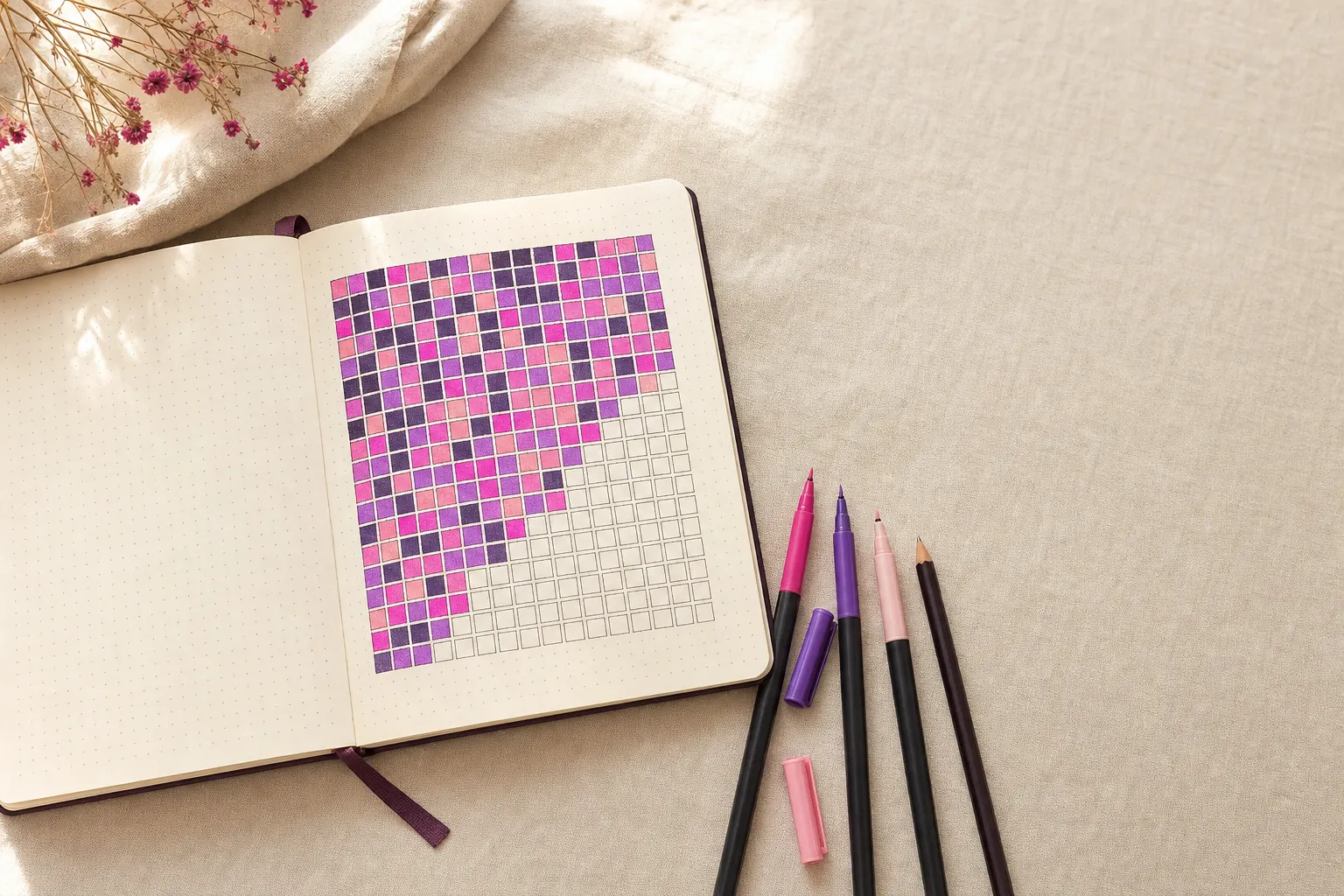
Make a year in pixels tracker in 5 steps: draw a 12 by 31 grid, pick a color key and fill one square a day. Plus how to run it in an app instead.
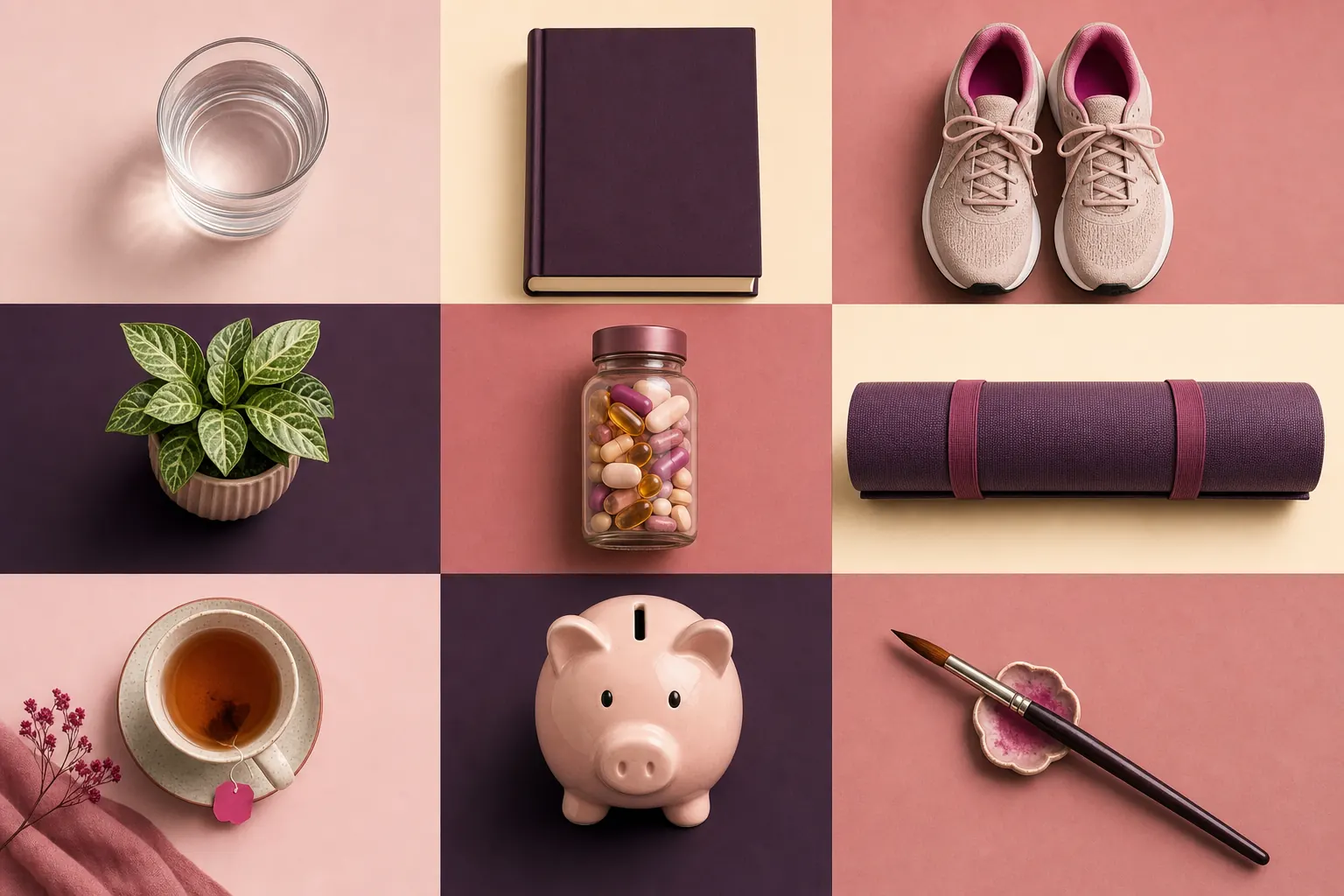
60 habit tracker ideas grouped into health, fitness, mind, productivity, learning, finance and creativity, plus how to pick the first three.

Research puts habit formation at a median of 66 days, with a range of 18 to 254. What the study found, where 21 days came from, and how to plan for it.
Missing one day of a habit does not undo your progress. Here is what the research says, and four steps to take the day after you slip.
Streak counters can make one missed day feel like failure. How grid and heatmap habit trackers work instead, and what to look for in one.
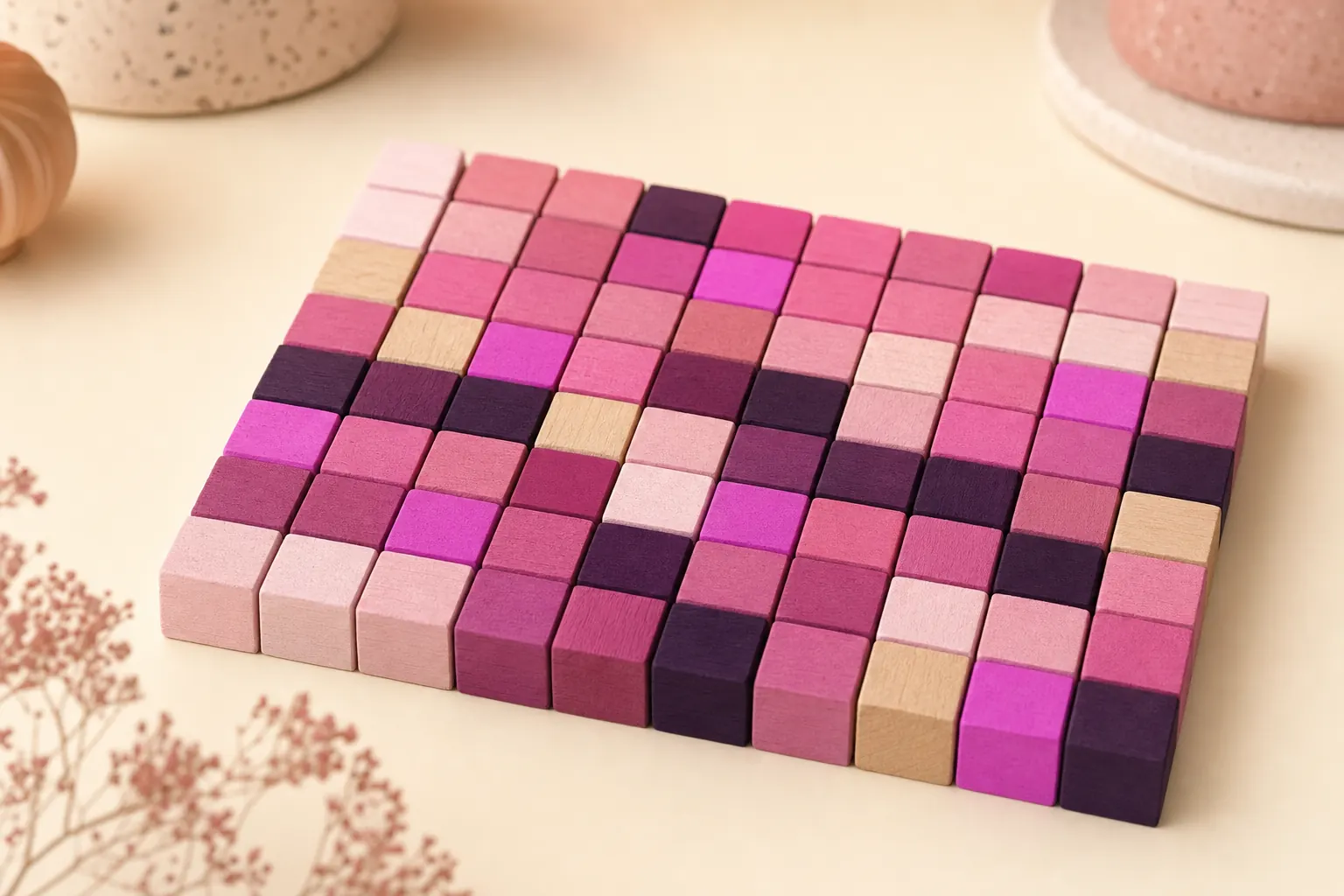
A habit heatmap shows every day as a colored square, like GitHub's contribution graph. How to read one, what it reveals and how to start tracking.

Turn drinking water into a trackable habit: set a daily number, tie glasses to cues you already have and log each one. A simple system that sticks.
Visual, low-effort habit tracking tends to work better with ADHD. Practical tips, what to look for in an app, and how to handle missed days.
FAQ
A year in pixels is a grid with one small square for every day. In Bee Habit each habit gets its own grid, and every day you complete the habit fills a square with its pattern and color, so you can see months of effort on one screen.
Learn moreYes, Bee Habit is free to download on iPhone. Bee Habit Pro is an optional subscription that adds unlimited habits, every pattern design, custom alarms and unlimited iCloud backup.
The tile for that day stays empty and the rest of your pattern stays exactly as it was. Nothing resets to zero. If you did the habit and forgot to log it, tap the day on the calendar to fill it in.
Learn moreThe stats screen shows your longest run for each habit, but the main view is the grid. A missed day is one gap in a pattern you can still read, and nothing resets.
Learn moreYes. Besides simple check-offs, Bee Habit supports measurable habits with a daily target (8 glasses of water, 30 minutes of reading) and reps habits you complete several times a day, like 3 workout sets.
Learn moreStart with two or three specific habits you can check honestly at night, such as drinking water, a 10-minute walk or reading 20 pages. Bee Habit groups habits into seven areas: Health, Fitness, Mind, Productivity, Learning, Finance and Creativity.
Learn moreThe best-known study, from University College London, found a median of 66 days, with a range of 18 to 254 days depending on the person and the habit. That is roughly ten weeks of tiles on your grid.
Learn moreA checklist only shows today. A heatmap keeps every past day visible as a colored cell, so you can spot patterns like skipping every Tuesday or a strong month in March.
Learn moreMany people with ADHD find visual trackers easier to stick with, and Bee Habit is quick to use: one tap fills a tile, reminders can be set per habit and forgotten days can be logged later. It helps you track habits and does not replace medical care.
Learn moreNot yet. Bee Habit is available for iPhone on the App Store and needs iOS 15.1 or later. Your habits can be backed up to iCloud and restored on a new iPhone.
Bee Habit Pro
Start free, then upgrade when you want more room to grow.

Pick one small habit, tap it tonight, and see what your year looks like in pixels.
Download on theApp Store