 Bee Habit
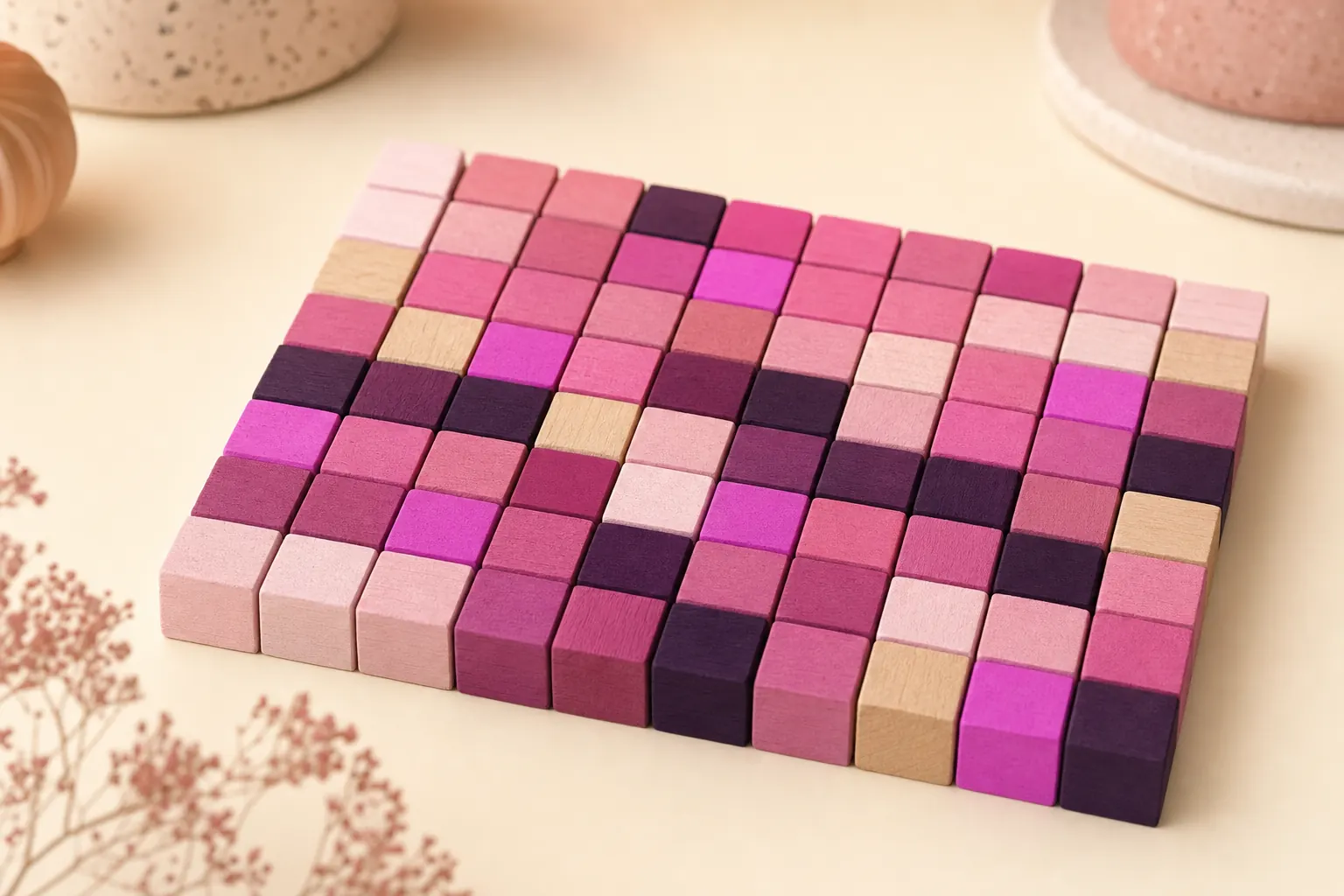
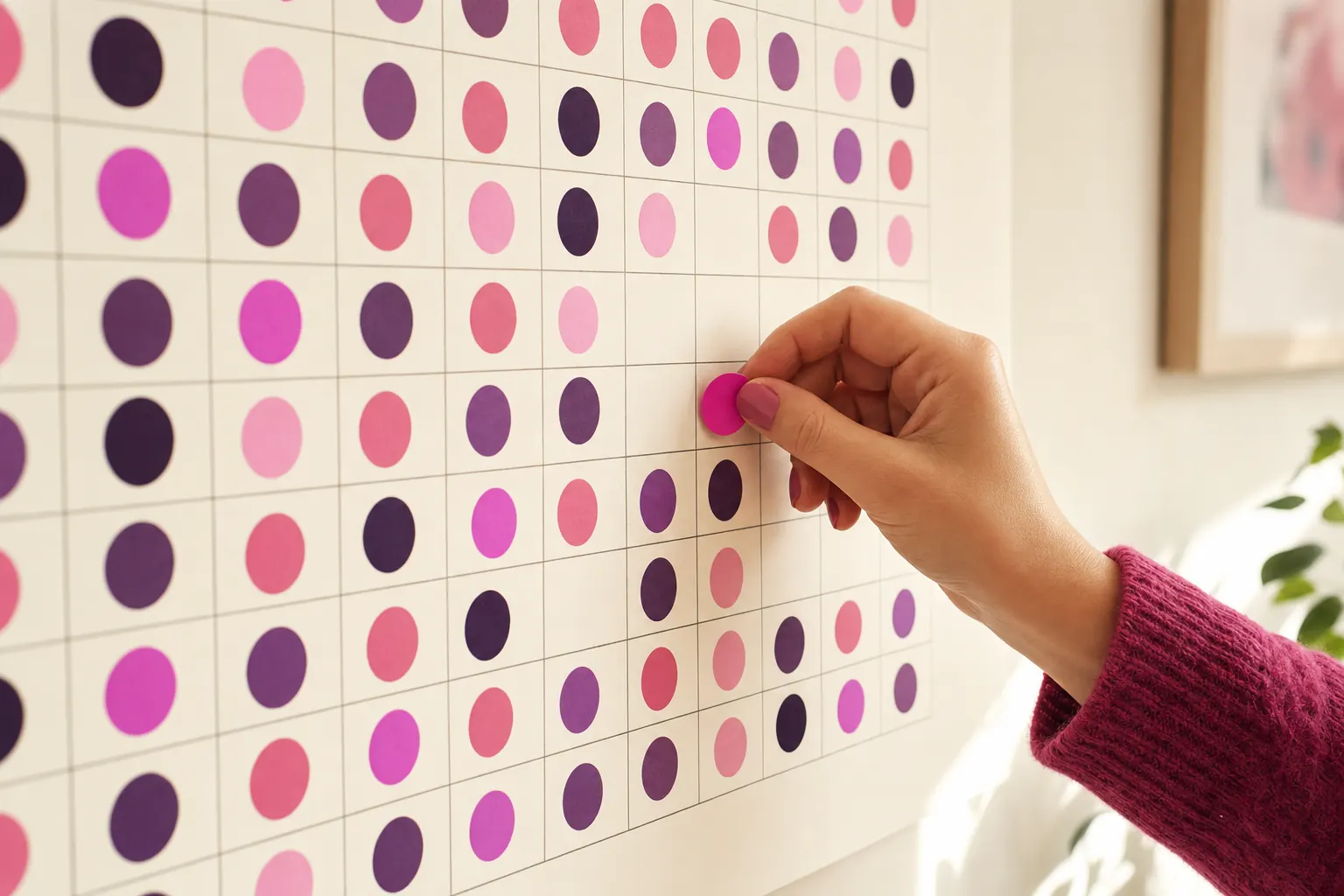
If streaks stress you out, use a habit tracker that shows your history as a grid or heatmap instead of a single number. A grid keeps every completed day visible, so one missed day costs you one square.
Why streak counters backfire
Streaks work well for some people for a while. The number goes up, you want to protect it, and that pushes you through lazy evenings. The trouble starts when life gets in the way. A 90-day streak lost to the flu tells you that three months of effort count for nothing, and for many people that is the moment they stop tracking altogether.
There is also a quieter cost. Protecting a streak can become the goal, with the habit itself in second place. People log half-done workouts at 11:58pm, or keep a habit they have outgrown because the number is too big to let go.
How a grid habit tracker is different
A grid tracker gives each day its own square. Done days are filled, missed days are empty, and nothing else changes. The information is the same as a streak and more, because you can see when the misses happen. Ten filled squares, one gap and twelve more filled squares is obviously a good month. A streak counter would call it "12 days".
This style goes by several names: year in pixels, habit calendar, or habit heatmap after the GitHub contribution graph. They all rest on the same idea: show the whole history and let the pattern speak.
What to look for in a streak-free habit tracker
- A visual history as the main screen
- Logging for past days, so a forgotten check-in is not a missed one
- Weekly or monthly views that reward consistency over perfection
- Reminders you can set per habit, so you are nudged before the day ends
- Support for count habits (8 glasses of water) as well as yes or no
If you still like streaks
Some people genuinely enjoy watching a number climb, and that is fine. A few adjustments keep a streak motivating without letting it take over:
- Treat your best run as a record to look back on, and stop checking the current number every day.
- Agree with yourself on a minimum version of the habit, so a rough day can still count honestly.
- Set a weekly target, such as five days out of seven, and judge the week by that.
- When a run ends, check the grid for the month. It almost always looks better than the reset suggests.
How Bee Habit handles missed days
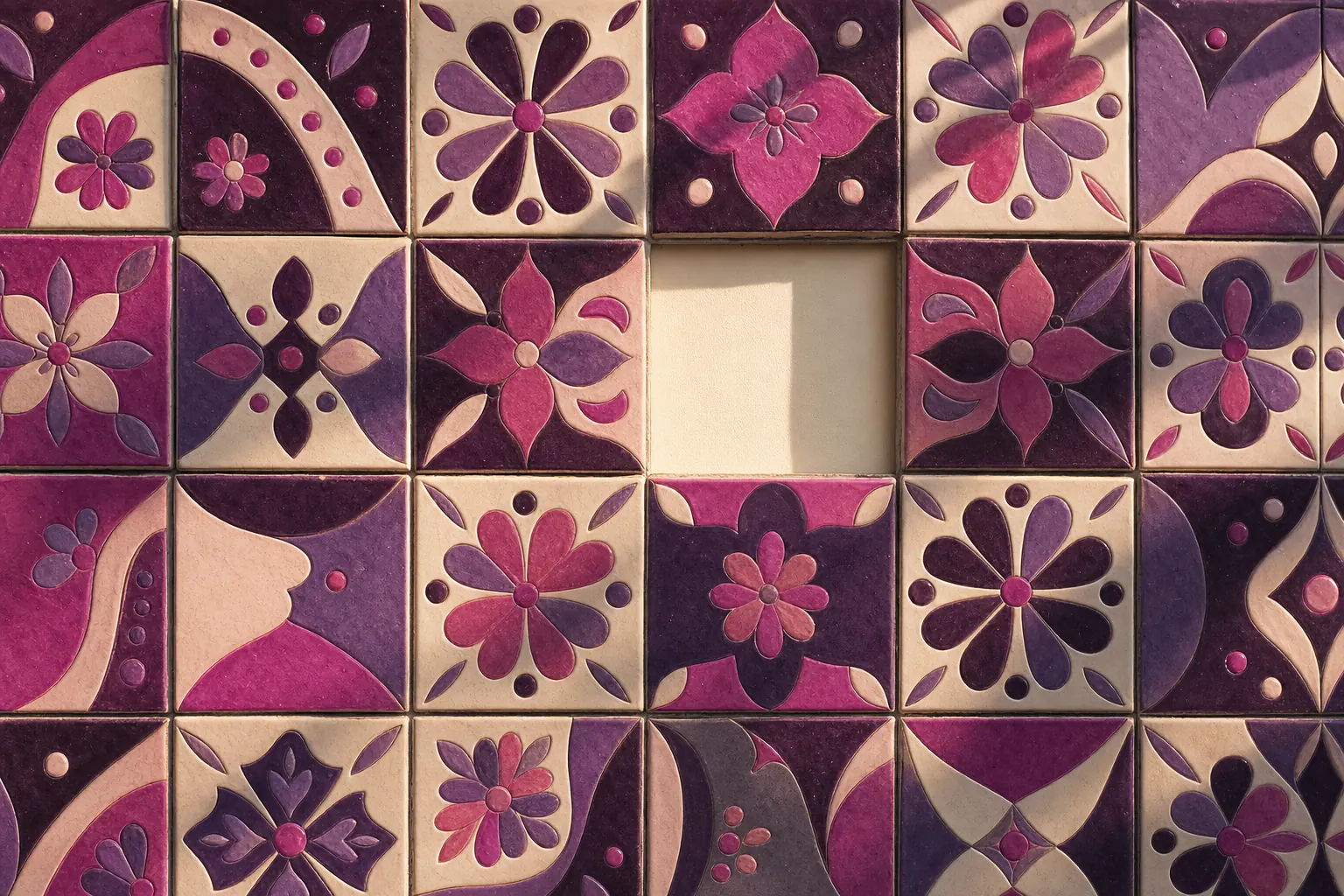
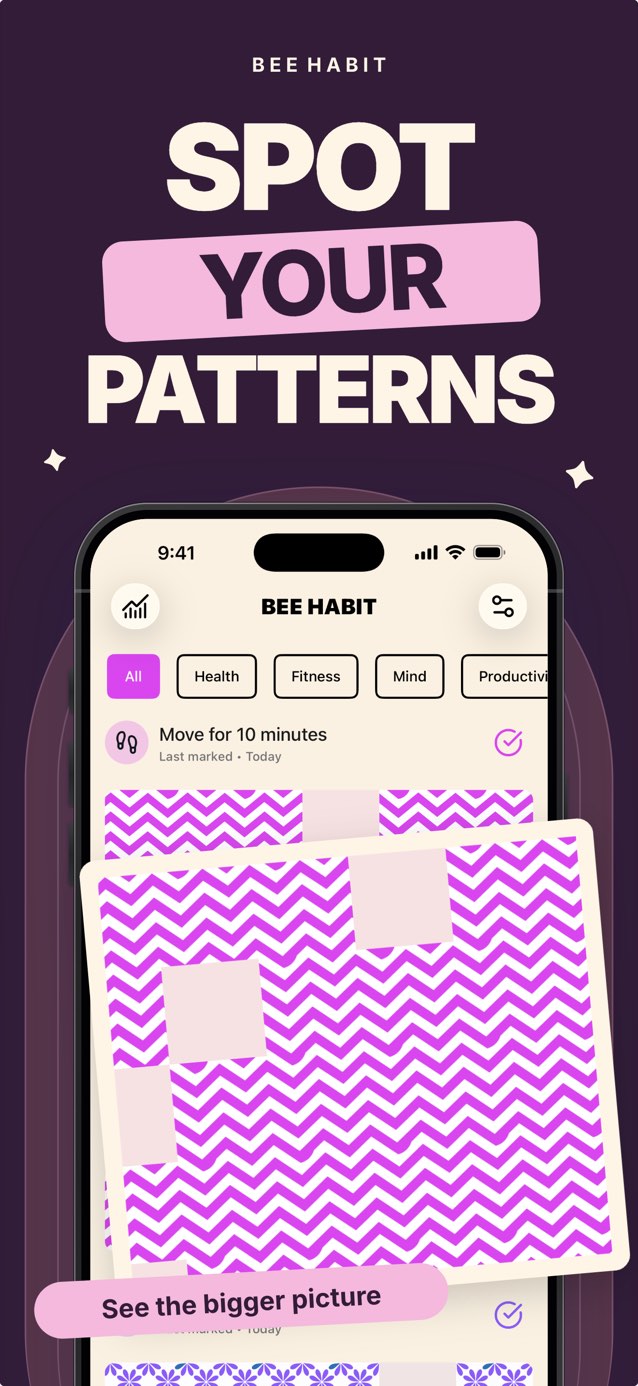
Bee Habit is built around the grid. Each habit fills with a pattern you choose, like florals or chevrons, one tile per completed day. When you miss a day, that tile stays plain and the rest of the pattern stays put. Many users find a slightly imperfect pattern more satisfying than a perfect number, because it looks like a real life.
The stats screen does show your best run for each habit, alongside consistency rate, weekly completions and your top habits compared with last week. So the information is there if you want it, without being the thing the whole app revolves around.
Common questions
Are streaks bad for building habits?
Not always. They can motivate people early on. They become a problem when losing one feels like losing everything, which leads some people to quit after a single missed day.
What is a good alternative to a streak?
A consistency rate for the week or month, or a grid of days that shows every completion. Both reward showing up on most days.