 Bee Habit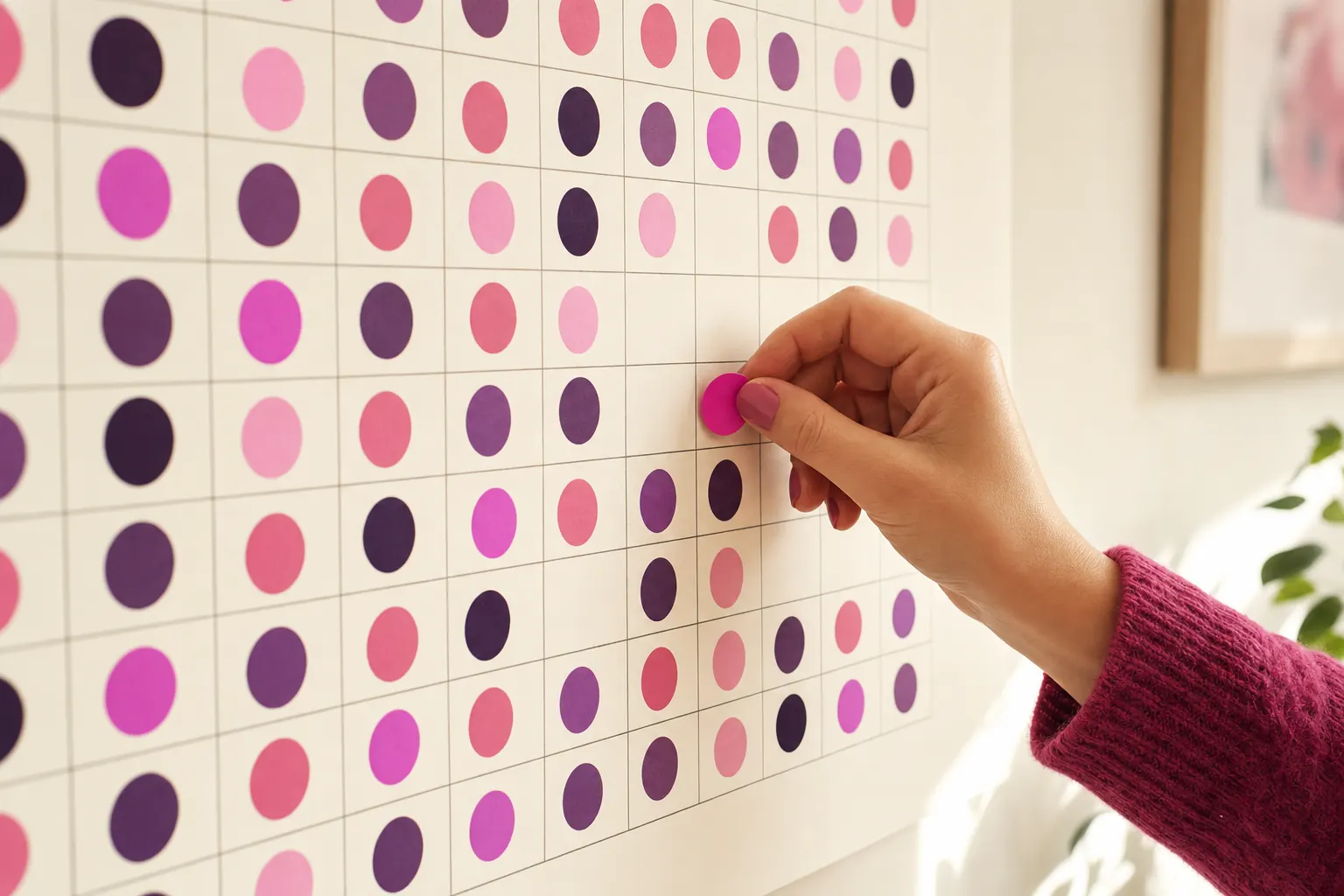
The habit trackers that work best with ADHD are visual, take one tap to update and do not punish missed days. Seeing progress as colors or a filling grid gives quicker feedback than reading numbers, and a tracker you can update in two seconds is one you will still use in week six.
This guide covers practical tracking. If ADHD makes daily routines hard, a clinician or ADHD coach can help you build a plan that fits.
Why visual habit trackers help with ADHD
Many people with ADHD describe "out of sight, out of mind" as the core problem. A habit that is not visible does not exist until it is too late in the day. A visual tracker fixes part of that by putting progress where you can see it.
Color also gives instant feedback. Filling a square right away feels like a small reward, and that immediate payoff matters more than a weekly summary nobody opens. The Attention Deficit Disorder Association recommends visual cues and trackers for exactly this reason.
ADHD habit tracking tips
- Start with one habit. Adding five at once is the fastest way to drop all five.
- Make it tiny. "Take meds with breakfast" or "one glass of water on waking". Grow it later.
- Stack it. Attach the habit to something that already happens, like making coffee.
- Use a reminder at the right moment. A nudge at 9am does nothing if the habit belongs at 7pm.
- Plan for bad days. Decide in advance what the smallest version is, so a low-energy day still counts.
- Review monthly. Once a month, zoom out and look at the trend.
What to look for in an ADHD-friendly habit tracker
- One tap to log, with no forms to fill in
- A colorful, visual history you see on the home screen
- Reminders you can set per habit and per weekday
- Logging for past days, because forgetting to log is not the same as skipping
- No streak that resets to zero after a single miss
- Room to make it look the way you like, which helps it stay interesting
A simple starter setup
- Choose one habit you already want, like taking medication with breakfast or a ten-minute tidy.
- Write down its cue: "when I put the kettle on" or "when I get home and drop my keys".
- Set one reminder for five minutes after the cue usually happens.
- Decide the smallest version that still counts on a bad day.
- Put a review in your calendar four weeks from today to decide whether to keep, shrink or change it.
That is the whole system. Resist adding a second habit until the review, even if the first one feels easy by week two.
How Bee Habit fits
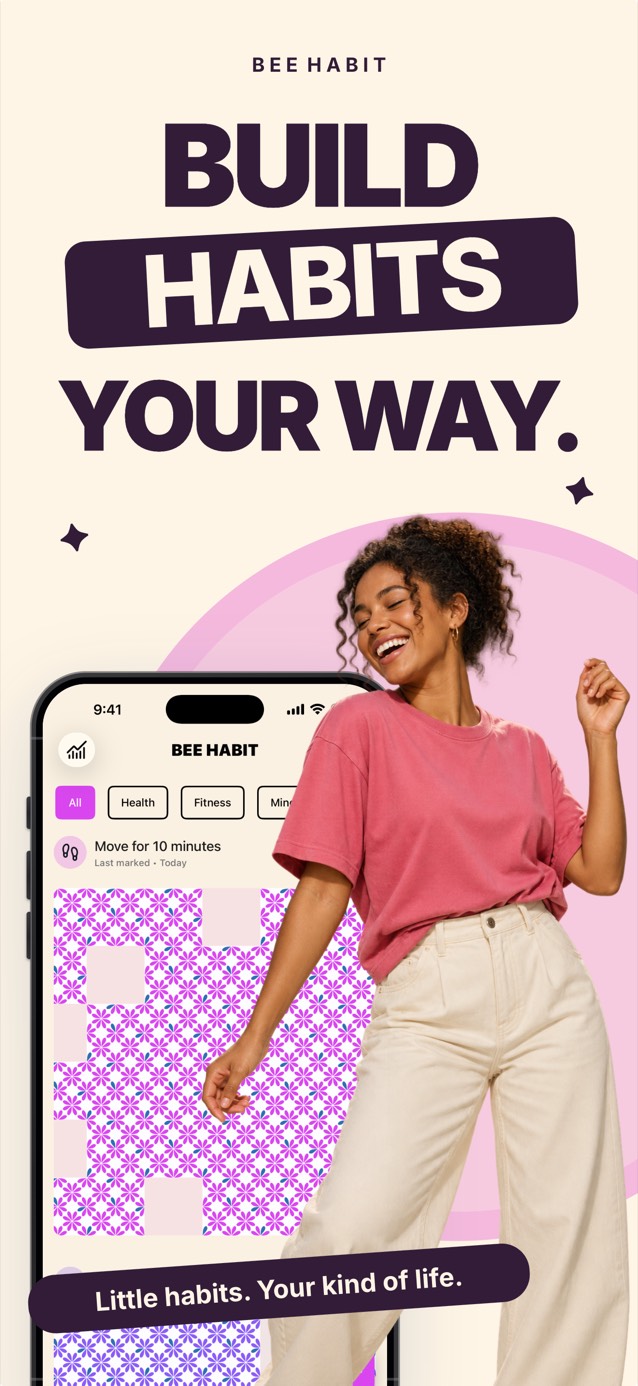
Bee Habit was designed around a colorful grid. Each habit gets its own color, pattern and icon, and one tap fills today's tile. Reminders can be set per habit with the days and times you choose, and if you forgot to log something, you can tap any past day on the calendar and fill it in.
Missed days stay as gaps and the rest of your progress stays put, which matters when an off week is part of life. For more on that, read what to do when you miss a day.
Common questions
Should I use a paper or digital habit tracker with ADHD?
Use whichever you will see most. Paper on the fridge is hard to miss at home, while an app goes everywhere and can remind you. Some people use both: a phone for logging and a wall chart for motivation.
How many habits should I track if I have ADHD?
Start with one and add a second after a few weeks of mostly filled days. Keeping the list short makes it more likely you will keep tracking at all.