 Bee Habit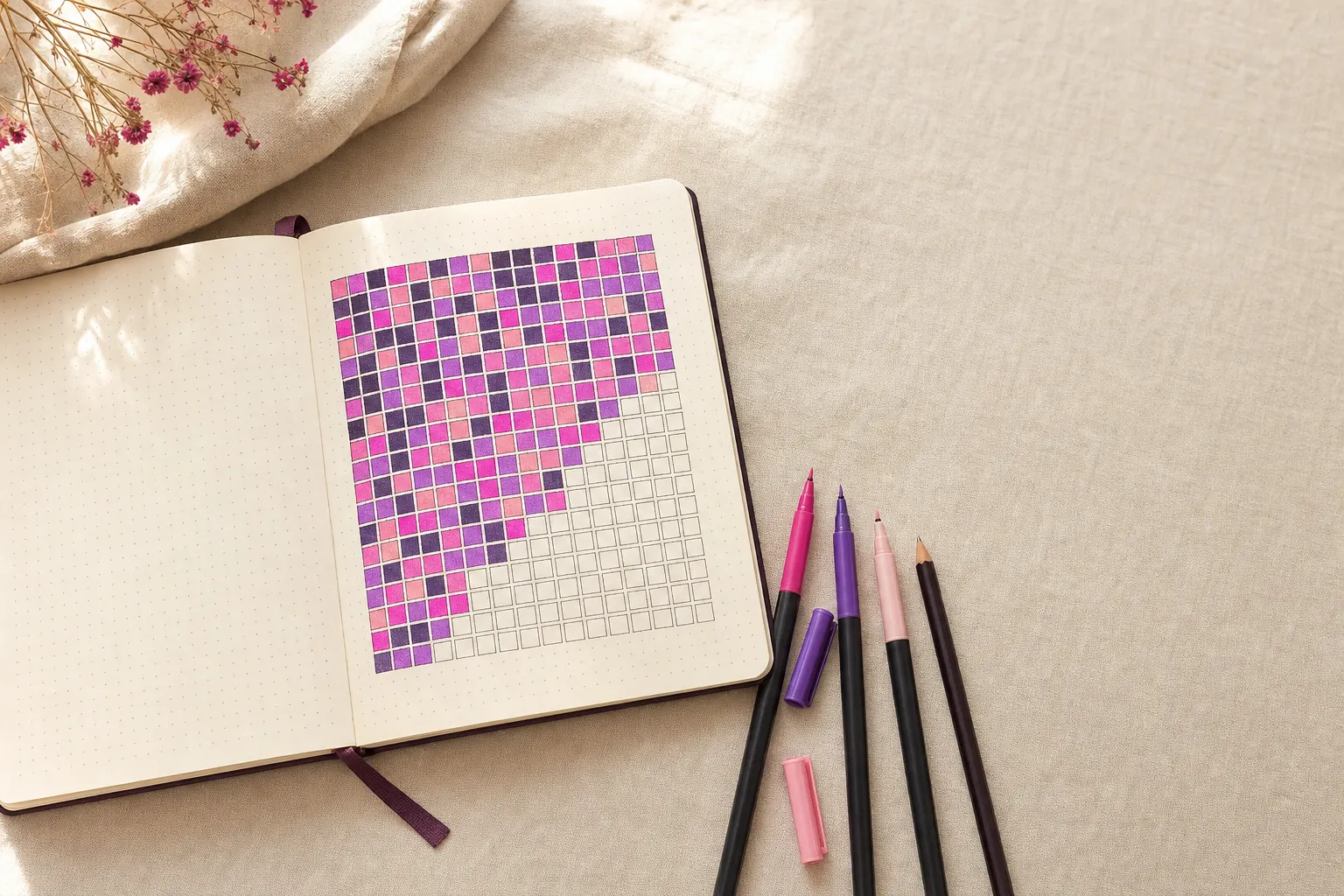
To make a year in pixels, draw a grid with 12 columns for the months and 31 rows for the days, choose a color key, then fill in one square at the end of every day. After a few months the page turns into a picture of your year.
The idea comes from the bullet journal world. Camille of the blog Passion Carnets posted the first one in 2015 as a mood tracker, and it spread because it is simple and looks good. You can use the same grid for a habit, and you can keep it on paper or in an app.
Make a year in pixels tracker, step by step
- Choose what the grid tracks. Pick one thing per grid: a mood, a habit such as reading or a daily number such as glasses of water.
- Draw the grid. On dot-grid or graph paper, draw 13 columns (one for day numbers and one per month) and 32 rows (a header plus 31 days).
- Label months and days. Write the first letter of each month across the top and the numbers 1 to 31 down the side. Cross out dates that do not exist, like February 30.
- Make a color key. For a habit, two colors are enough: one for done and one for skipped. For moods, keep it to five to seven clearly different colors.
- Fill in one pixel a day. Color the square at the same time every day. Right before bed works well because the day is over.
Year in pixels layout and color key
The standard layout is months across and days down, which fits a single notebook page. If your page is wide, flip it so the months run down the side. Either way, sketch the grid in pencil before you ink it. A crooked line on day 3 is annoying for the next 362 days.
Colors do most of the work. Pick shades that are easy to tell apart at a glance, because the whole point is spotting patterns without reading anything. Similar pinks look the same once the page is full. Put the key next to the grid so you never have to guess what orange meant in April.
Year in pixels ideas beyond mood
Mood is the classic version, but a pixel grid works for anything you can judge once a day:
- A single habit, like reading, a walk or no phone after 10pm
- Hours of sleep, using lighter and darker shades
- Water intake, colored by how close you got to your goal
- Workouts, with a different color per type
- Screen time, spending or weather
If you want to track several habits, give each one its own grid. Squeezing three habits into one square with split colors gets messy by March.
Making a digital year in pixels
Paper is lovely until you forget the notebook on a trip, or spend Sunday redrawing a spread you smudged. A year in pixels app does the grid for you and never runs out of pages.
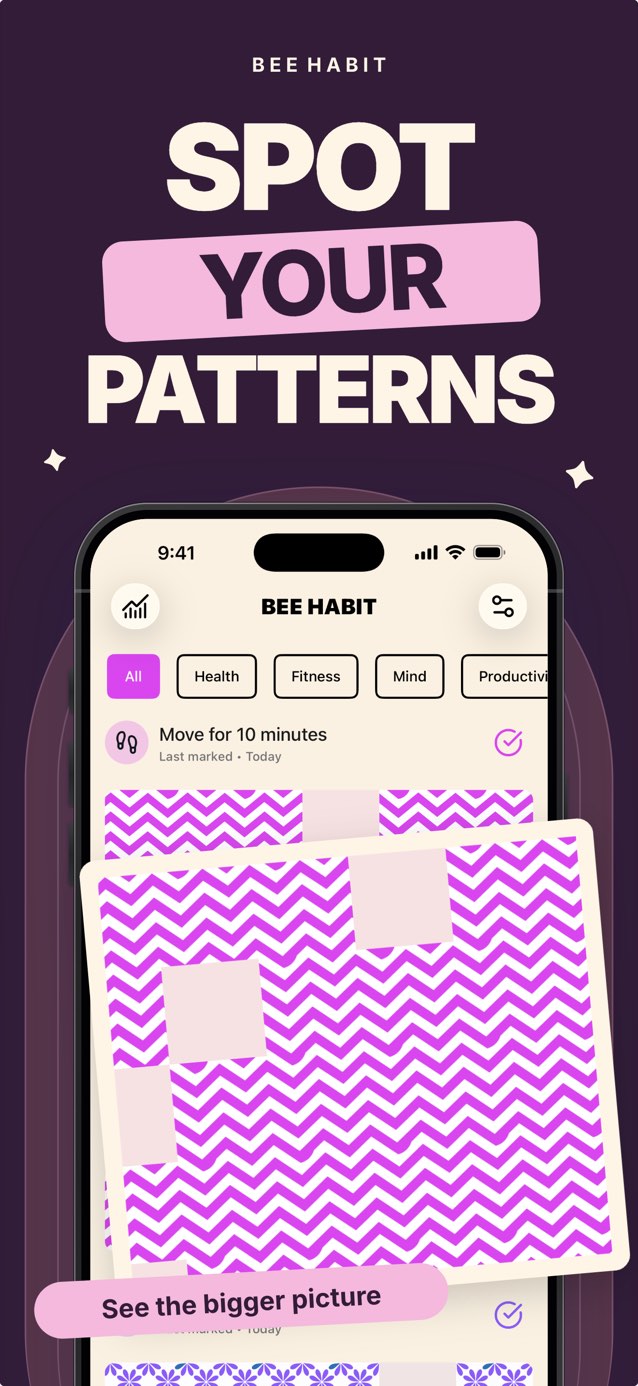
In Bee Habit, every habit is its own pixel grid. Tap a habit to fill today's tile, and the tile takes the pattern and color you picked, so a month of reading might grow into a field of pink florals. Days you skip stay as plain gaps. If you forgot to log a day, tap it on the calendar and fill it in later.
Tips for keeping it going all year
- Tie the check-in to something you already do, like brushing your teeth at night.
- Keep the key short. Two to five colors is plenty for most grids.
- Leave empty squares empty. A true record is more useful than a pretty one.
- Look back once a month. Patterns like busy Mondays show up quickly.
Common questions
Who invented the year in pixels?
The year in pixels was created in 2015 by Camille, the French bullet journalist behind the blog Passion Carnets. She shared it as a mood tracker and it became a bullet journal staple.
What size grid do I need for a year in pixels?
Use 12 columns and 31 rows, plus a row for month labels and a column for day numbers. That gives 372 squares, and you cross out the few dates that do not exist.